
Reviews
Pixel Flag Chase Arcade delivers a charming cooperative experience. The pixel art is colorful and appealing. The double jump mechanic adds depth to platforming. Levels are well-designed for two players, requiring communication. It is a perfect choice for short gaming sessions with a friend.
Description
Game Introduction
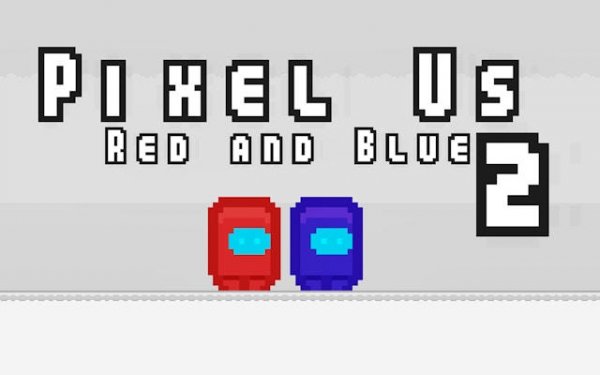
Pixel Flag Chase Arcade is a two-player arcade-style game set in a colorful pixel-art world. Two players control alien characters—one red, one blue—and race to reach their own colored flag. Levels feature platforms and obstacles that require timing and coordination. The game combines competition and cooperation, as players may need to work together to overcome certain sections. Its charming visuals and escalating difficulty offer an engaging experience for friends seeking a quick multiplayer challenge.
How to Play
Each player controls a character using separate sets of keys. Player One typically uses the WASD keys to move and jump, while Player Two uses the Arrow Keys. The jump key can be pressed twice in mid-air to perform a double jump, allowing access to higher platforms. Navigate through each level, avoid creatures, and reach your designated flag to complete the stage. Communication between players can help in tougher areas, making each playthrough unique. The simple controls allow immediate focus on strategy and timing.
Game Features
Dynamic two-player action designed for local multiplayer fun. Challenging creatures test reflexes and planning. Precise platforming with a double jump ability for extra height. Progressive levels that increase in difficulty gradually. Colorful pixel-art graphics that enhance the playful theme. The game offers a balanced mix of competition and teamwork, with quick rounds ideal for short gaming sessions with a friend.
Tips for Success
Practice the double jump timing to reach higher platforms and avoid obstacles. Communicate with your partner to coordinate movements in tricky sections. Observe creature patterns to anticipate their movements and plan your path. Take your time in each level; rushing may lead to mistakes. Use the environment to your advantage, such as platforms that provide safe spots. Regular practice will improve your reflexes and overall performance.









Comments
Sign in to comment
You must be logged in before posting a review or rating.
No account? Create one
No comments yet. Be the first to comment!