
Reviews
Precision Platform Sprint offers a straightforward but engaging experience for fans of obstacle course games. The controls are crisp, and the level design teaches skills gradually. Each of the 40 stages feels distinct, with obstacles that require careful observation rather than luck. The lack of downloads and broad device support make it an accessible choice for casual play. The difficulty curve is fair, allowing players to improve at their own pace without feeling overwhelmed. It is a solid option for anyone looking for a focused, no-frills platforming challenge.
Description
Course Design & Obstacles
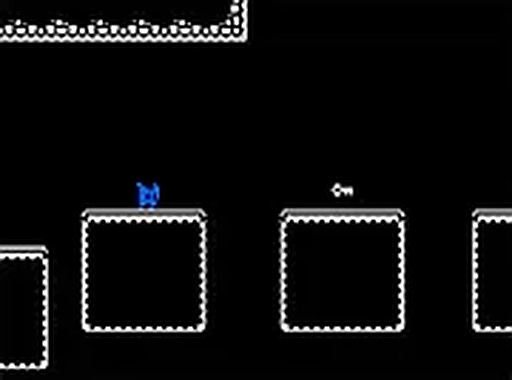
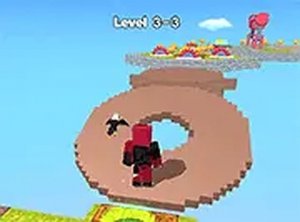
Each level in Precision Platform Sprint presents a unique arrangement of platforms, gaps, and moving elements. Players must judge distances and time their movements to avoid falling. The obstacles are not random; they are placed to teach specific skills, such as judging the speed of a moving platform or the height of a jump. Later stages combine these elements in more complex patterns, requiring players to plan their route several moves ahead.
Controls and Responsiveness
The game offers two control schemes. On a computer, the keyboard arrows or WASD keys handle movement and jumping. On a touchscreen device, on-screen buttons appear for the same actions. The controls are designed to be immediate, with no noticeable delay between pressing a key and seeing the character respond. This responsiveness is important because many obstacles require precise input at a specific moment.
Progression and Difficulty Curve
The 40 stages are arranged in a sequence that gradually increases in difficulty. Early levels introduce basic concepts like single jumps and stationary platforms. Later stages add moving hazards, narrow walkways, and elements that require waiting for the right moment to proceed. This structure allows players to build their skills naturally, with each new challenge feeling like a logical next step rather than a sudden spike in difficulty.
Visual Style and Atmosphere
The game uses bright, clear colors that make obstacles and platforms easy to distinguish from the background. The character is a simple, animated figure that moves smoothly. The visual design is clean and uncluttered, which helps players focus on the task at hand. There are no distracting effects or unnecessary animations that might interfere with gameplay.
Accessibility and Platform Support
Being browser-based, the game works on any device with a modern web browser, including smartphones, tablets, and computers. There is no need to install any software or create an account. The game also includes a full-screen mode that removes browser interface elements, allowing players to focus entirely on the course. This makes it easy to play for a few minutes during a break or for longer sessions.





Comments
Sign in to comment
You must be logged in before posting a review or rating.
No account? Create one
No comments yet. Be the first to comment!