
Reviews
Fish Soccer Arcade Game offers a refreshing twist on soccer by setting it underwater with colorful fish. The two-player local multiplayer is easy to learn and perfect for quick matches. The simple keyboard controls make it accessible for all ages, while the timed matches keep the action exciting. It is a safe, family-friendly alternative to traditional sports games.
Description
Game Introduction
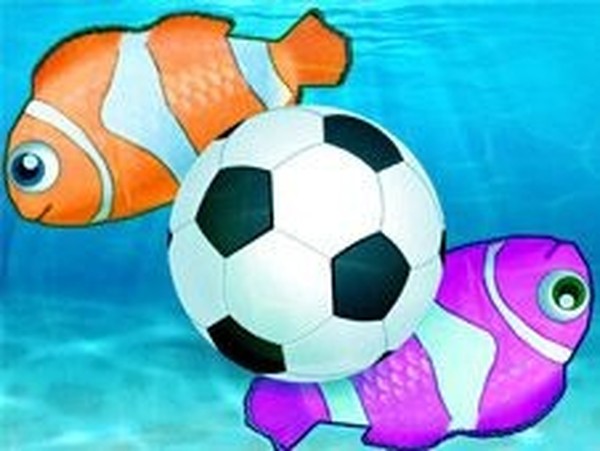
Fish Soccer Arcade Game is a two-player sports game that combines the excitement of soccer with an underwater setting. Players control colorful fish swimming through a football pitch, aiming to grab the ball and swim it into the opposing gate to score. Matches are timed, and the player with the most goals wins. This family-friendly twist on classic soccer is designed for all ages to enjoy together, offering a safe and playful alternative to traditional football games. The game is easy to pick up and offers competitive action without complex rules. It is a safe, family-friendly experience suitable for all ages.
How to Play
In this two-player game, each player controls a fish using keyboard keys. One player typically uses the WASD keys to move their fish, while the other uses the ARROW keys. The objective is to swim around the underwater pitch, chase the ball, and nudge it toward the opponent's goal. Score more goals than your rival before time runs out to claim victory. The controls are easy to learn, making it perfect for quick matches with friends or family.
Game Features
Features include two-player local multiplayer, simple keyboard controls, an underwater soccer theme, and timed matches for fast-paced fun. The game is easy to pick up and offers competitive action without complex rules. It is a safe, family-friendly experience suitable for all ages.
Tips for Success
To succeed in Fish Soccer, practice maneuvering your fish quickly to intercept the ball. Coordinate with your teammate if playing in team modes, and focus on positioning yourself between the ball and your goal. Use quick movements to outswim your opponent and aim for the corners of the goal to make it harder for them to block. Stay aware of the match timer and prioritize scoring early.










Comments
Sign in to comment
You must be logged in before posting a review or rating.
No account? Create one
No comments yet. Be the first to comment!